A trust center for startups without SOC 2
Your first enterprise buyer wants proof before they'll sign, and you don't have an auditor's report to hand them yet. Notice Labs gives you a trust center that publishes what you actually run: your controls, your compliance status and your documents, gated where they need to be.
From £39 a month. No sales call.
A questionnaire lands before the audit does
Most software companies hit their first serious security review long before they have a SOC 2 report. A prospect's procurement team sends a spreadsheet, or asks for a link to your security page, and a promise isn't something they can put in a file.
The gap isn't that you lack security controls. Early teams usually have most of what a reviewer is checking for: access controls, encryption, a way to handle a vulnerability report. What's missing is somewhere to show it that looks like more than a slide deck.
How it works
- 01
Pick your controls
Choose from the Notice Labs controls library, or add your own. Each one gets standard wording grouped by the question a reviewer asks, so it reads like a security programme rather than a list of tools.
- 02
Set your compliance status
Mark each framework you're pursuing as aligned or in progress, not certified. There's no pressure to claim more than you've done, and a buyer can see where you actually stand.
- 03
Gate what isn't ready to publish
Put a draft policy or a pen test summary behind the document request form instead of leaving it off the page. A requester gives their name, company and email, and your team approves each request.
- 04
Draft the documents you're missing
The Create section drafts a DPA template and a security overview PDF from what you've already entered, so you have a document to send before you have an audit. The DPA is a template, for your lawyer to review.
- 05
Publish at your own address
Point a subdomain like trust.yourcompany.com at Notice Labs, or use your noticelabs.co address. Send the link the next time a review lands in your inbox.
One page, not a folder of PDFs
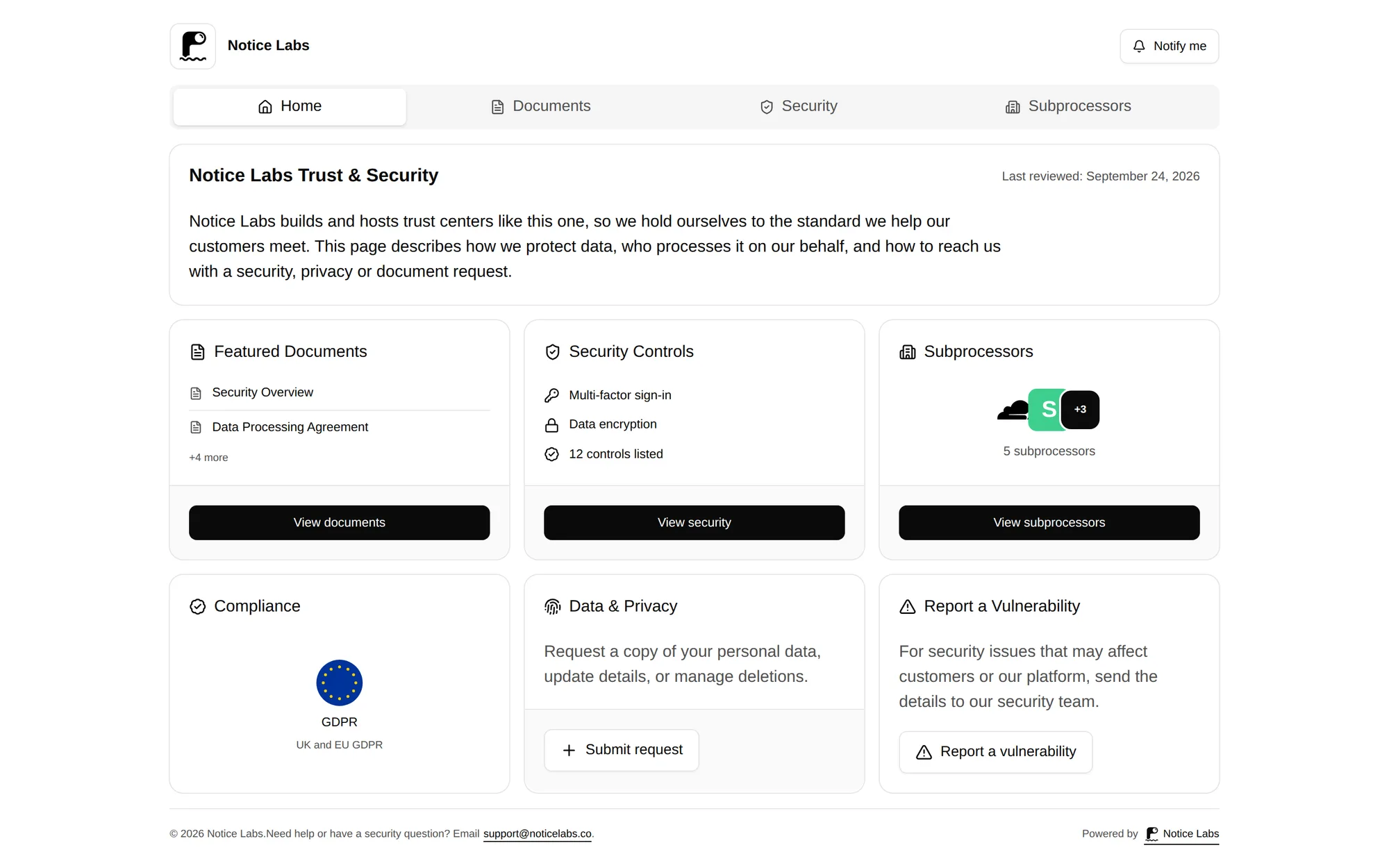
A reviewer opens one URL and finds an introduction, your published controls, your compliance status, your subprocessors and your documents, plus the forms for a vulnerability report or a privacy request. It's the same shape a company with an established security team uses, sized for a team that doesn't have one yet.
Sections you're not ready to publish stay switched off until they are.
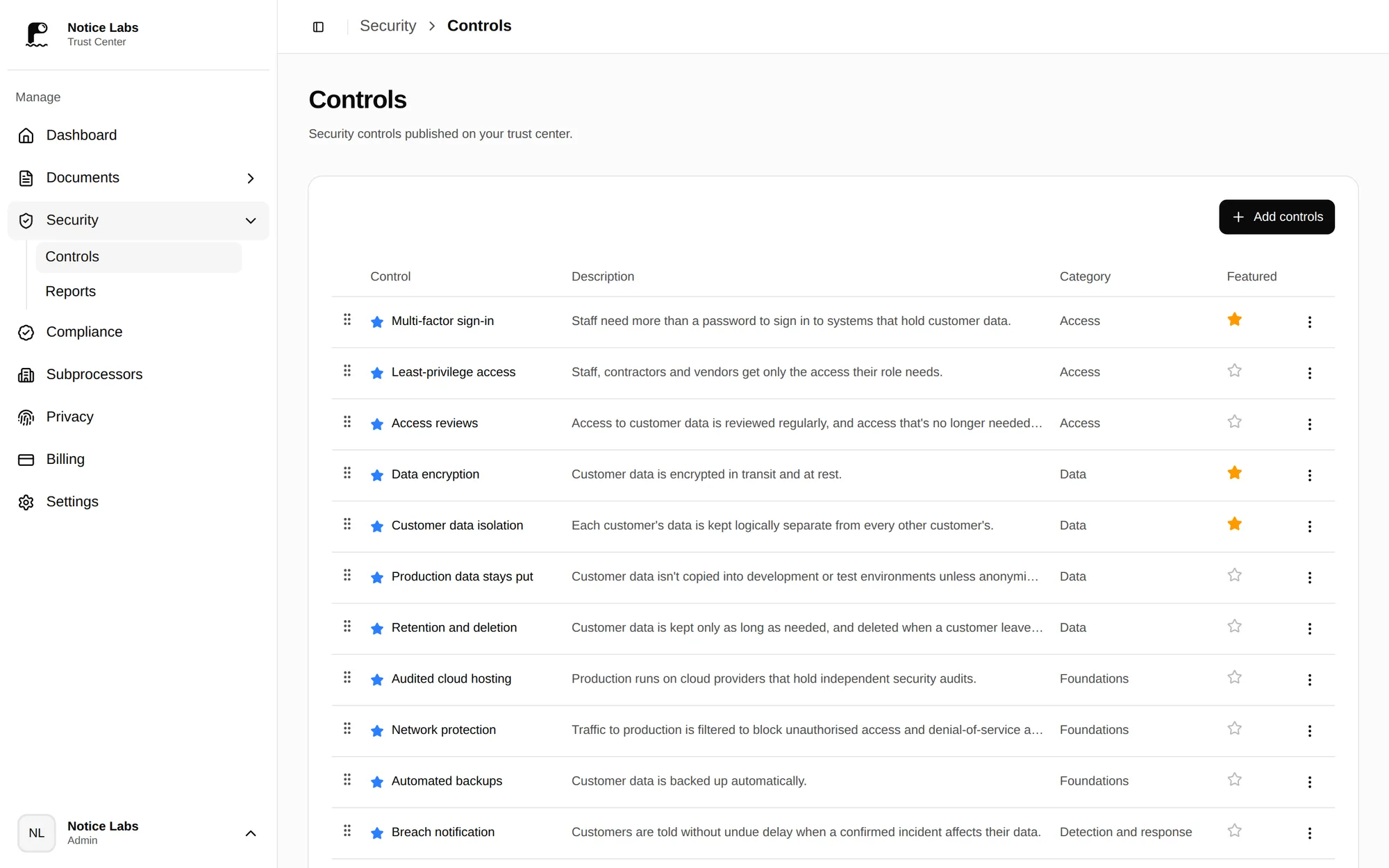
Controls you choose, in your admin
Add controls from the library or write your own, and toggle which ones are featured. Nothing here is verified by Notice Labs; the controls are what you tell reviewers you run, stated plainly enough that they can check it against their own list.
What's on the page
A startup trust center on Notice Labs brings these together.
- Security controlsChoose controls from the Notice Labs library, or add your own, grouped by the question a reviewer asks.
- Compliance statusMark each framework aligned, in progress or certified, with an optional note, instead of leaving the page blank.
- Gated documentsKeep a draft policy or a report private, or gate it behind a request a requester fills in and your team approves.
- The questionnaire guideHow to answer a buyer's questionnaire when you don't have a SOC 2 report yet, using the page you've published.
- A vulnerability disclosure formGive a researcher somewhere to send a report, and your team a record of it, before you've written a formal policy.
What it doesn't do
Notice Labs doesn't audit, verify or certify anything you publish. It doesn't run your SOC 2 process, collect evidence, or answer a questionnaire for you. The controls and compliance status on the page are the ones you set; the trust center is where you show them, not where you earn them.
If a buyer's review still needs a completed questionnaire alongside the trust center link, that's a separate document. A published trust center makes the reviewer's job faster; it doesn't remove the questionnaire.
Questions
Straight answers to what people ask before they set this up.
Can we have a trust center without SOC 2?
Yes. Mark each framework aligned or in progress rather than certified, and publish the controls you actually run. A trust center doesn't require a finished audit; it needs an honest page.
Won't an empty compliance section look worse than no page at all?
A status of in progress, with a note on what you're doing about it, tells a reviewer more than silence does. Leave a framework off the page entirely if you're not pursuing it.
How long does this take to set up?
Most of the work is choosing your controls and writing a short introduction. A first version is usually live within an afternoon.
What should stay gated instead of public?
Anything you'd rather hand to a named requester than leave open: a draft policy, a penetration test summary, or a report you're not ready to publish widely. Set each document to public, request-to-access or private.
What does it cost?
Notice Labs Pro is £39 a month and includes one trust center, controls, documents, subprocessors and both intake forms. There's no sales call to start.
What if a buyer still wants a completed security questionnaire?
Send the trust center link alongside it. It answers the questions a reviewer would otherwise ask by email, and speeds up the rest of the questionnaire.
Related reading
Publish what you actually run, before you have SOC 2.
From £39 a month. No sales call.